


Retouch X is an AI-powered desktop app that retouches your portrait and fashion photos in one click, at professional quality. It handles skin smoothing, texture preservation, and body retouching entirely locally, in seconds. It integrates with Photoshop and Lightroom, and with batch processing support it can finish hundreds of photos on its own. There is no per-photo charge. As long as your license is active, you can edit as many photos as you like.

What is Retouch X?
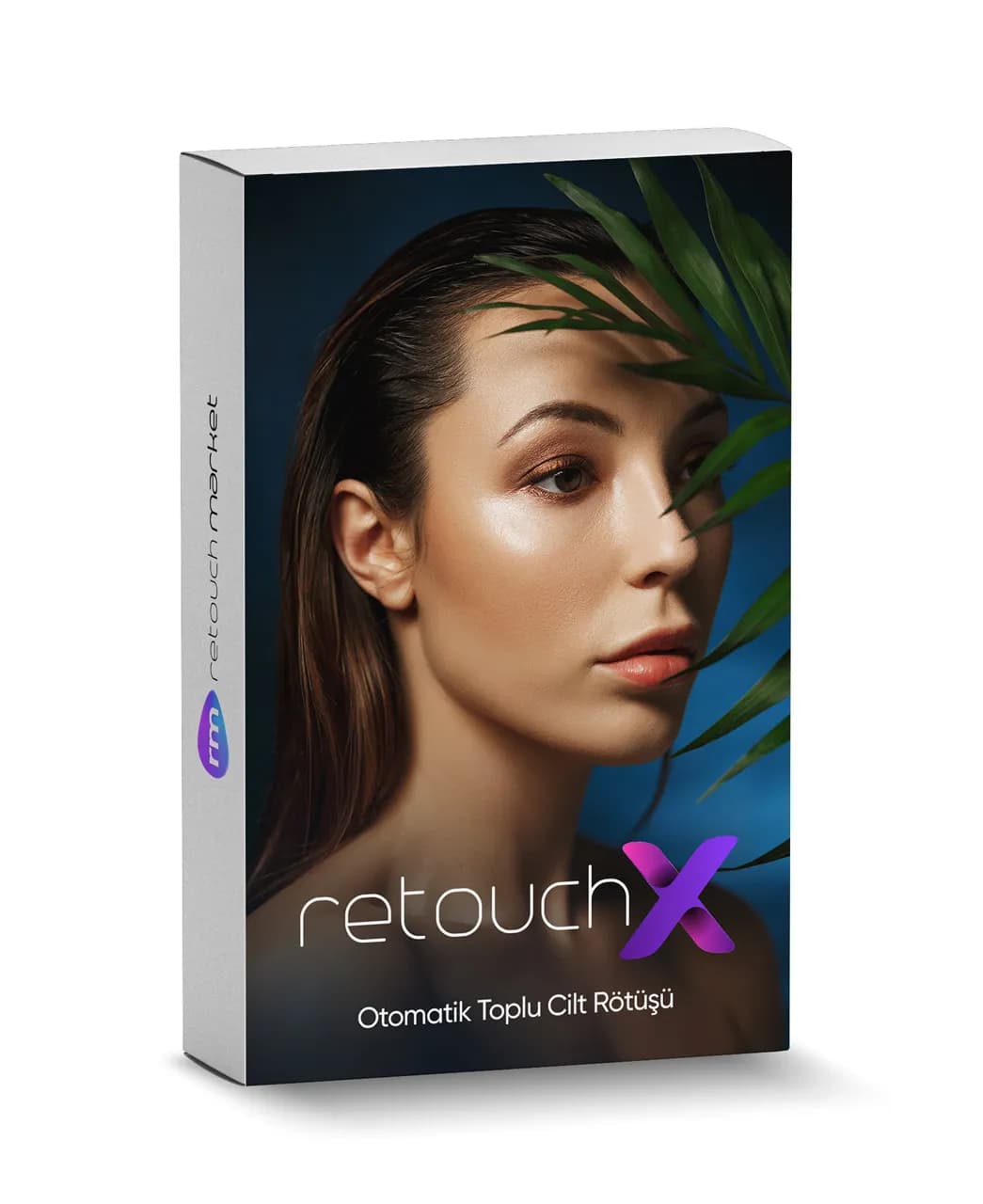
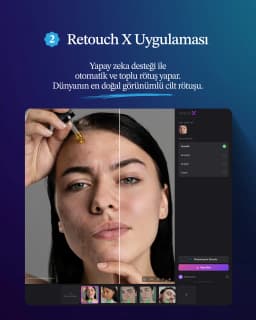
Retouch X is an AI-based portrait and fashion retouching application that turns hours of retouching work into minutes. Retouch Market Intelligence handles face detection, skin analysis, body segmentation, and texture preservation in a single flow. The result: professional studio-quality retouching that never loses its natural feel.
Key Features
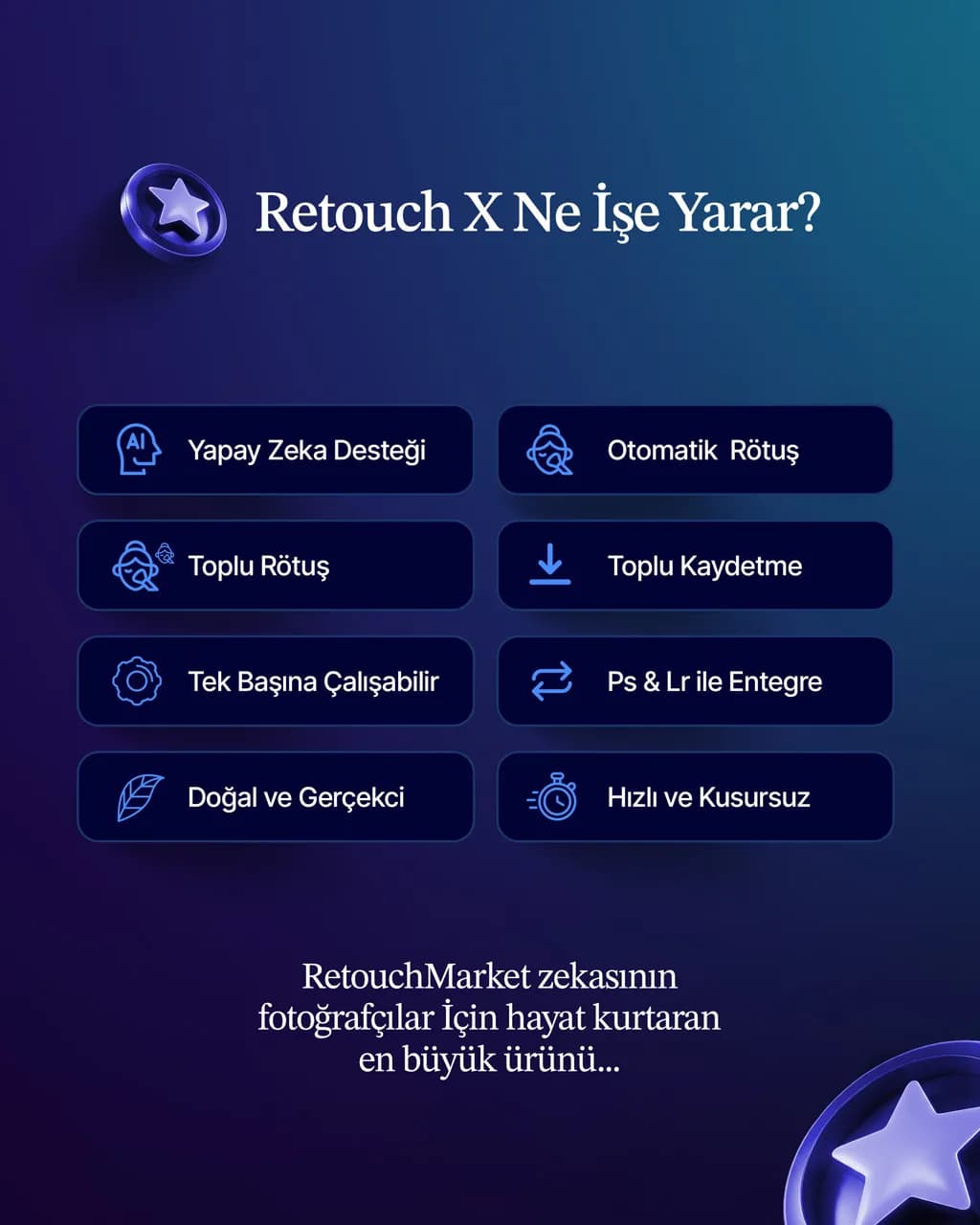
AI-Powered Retouching: A 3-stage retouching engine that automatically detects faces, smooths skin, and preserves texture and fine details.
Automatic Retouching: Drag and drop your photo and let the app do the rest. No extra settings required from the user.
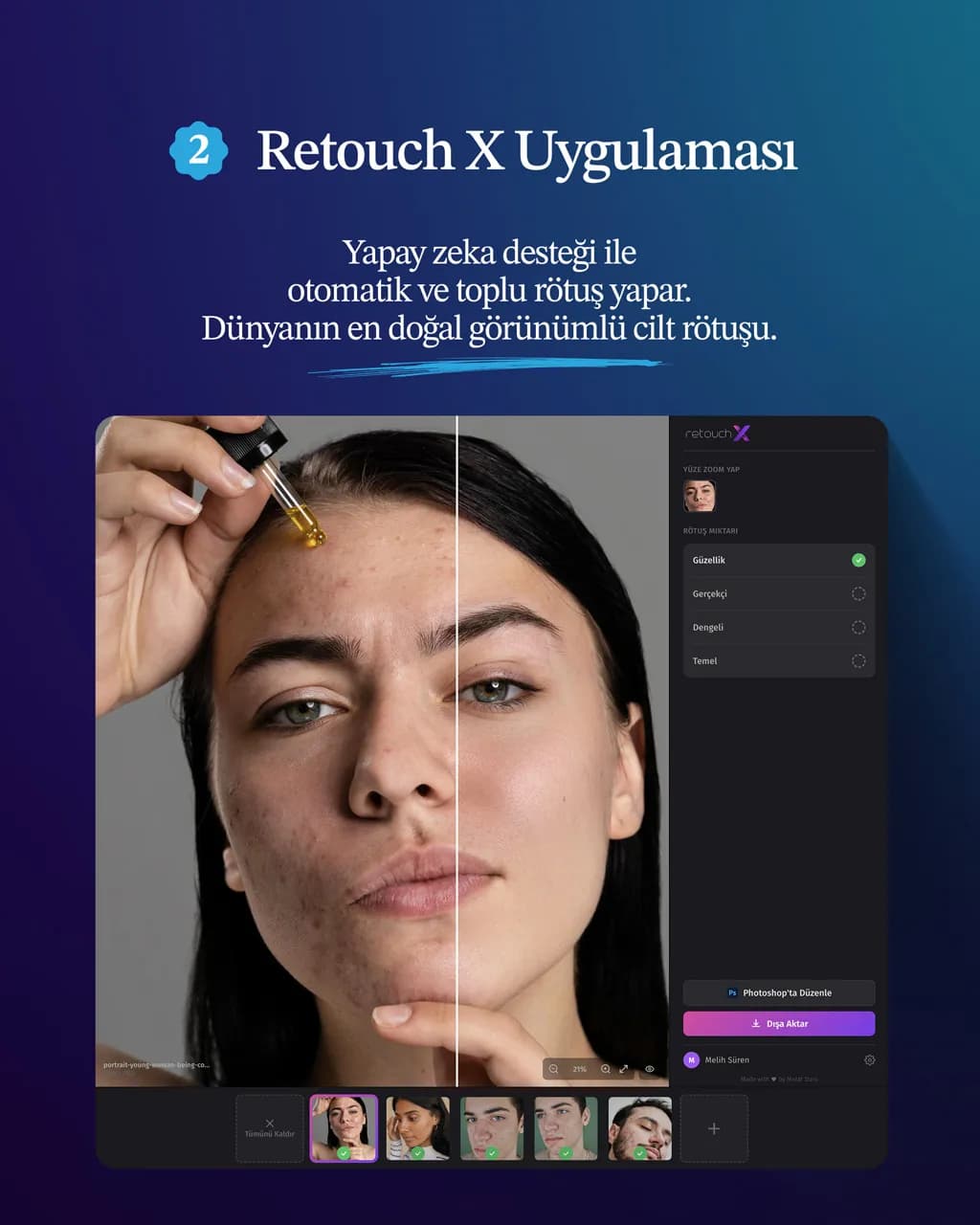
4 Retouch Levels: Basic (natural), Balanced, Realistic, and Beauty (fashion/glamour) modes give you the right starting point for every project.
Real-Time Preview: Changing the retouch level updates the result instantly; you can compare before/after by holding down the Space key.
Body Retouching: Not limited to the face — exposed skin areas beyond the face are also retouched in a balanced way.
Batch Processing: Queue multiple photos and let them be processed automatically in the background, in order. Your retouches are ready while you take care of other work.
Batch Saving: Export all finished photos, only the ones you select, or a single photo — all in one click.
Photoshop Integration: Send from Photoshop to Retouch X in one click; the retouched result comes back into Photoshop as a layer.
Lightroom Integration: Automatically added to Lightroom Classic's "Edit In" menu. In addition, the X button in the Lightroom AI Color plugin lets you send a photo to Retouch X and have it retouched in a single tap.
Works Standalone: Can also be used as a standalone app without Photoshop or Lightroom.
Wide Color Profile Support: Recognizes common color profiles like sRGB, Adobe RGB, Display P3, and ProPhoto RGB, and preserves them on export; your colors stay consistent from monitor to print.
16 Language Support: Turkish, English, Spanish, French, German, Italian, Portuguese, Dutch, Polish, Russian, Japanese, Chinese, Swedish, Norwegian, Danish, and Greek interface options.
Automatic Updates: New versions are downloaded in the background and installed the next time you close and reopen the app.
How Does It Work?
1. Import: Drag a photo into the app, click to select a file, or send it directly from Photoshop/Lightroom.
2. Automatic Analysis: The app detects faces and body in the photo and prepares them for retouching.
3. Choose a Retouch Mode: Pick one of Basic, Balanced, Realistic, or Beauty; the result is reflected in the preview instantly.
4. Preview: Hold the Space key to compare before/after, and click on faces to inspect them up close.
5. Export: Save in one click; if you like, export all your photos at once in batch.
Who Is It For?
Wedding and Event Photographers: For those who have to deliver hundreds of portraits in a short time.
Fashion and Beauty Photographers: For those looking for magazine-quality skin retouching with the Beauty mode.
Studio Photographers: For those seeking consistent quality in ID photos, corporate headshots, maternity, newborn, and family portraits.
Newcomers to Retouching: For those who want professional results in one click without knowing Photoshop.
Experienced Retouchers: For those who want to leave the basic retouching to AI and spend their time on creative touches.
System Requirements
macOS
macOS 14 (Sonoma) or later
Apple Silicon processor (M1, M2, M3, M4, or later) — uses Neural Engine acceleration
At least 8 GB of RAM (16 GB recommended)
2 GB of free disk space
Retouch Market Desktop application must be installed and running
Windows
Windows 10 (64-bit) or Windows 11
DirectX 12 compatible graphics card (recommended for GPU acceleration)
64-bit (x64) processor
At least 8 GB of RAM (16 GB recommended)
2 GB of free disk space
Retouch Market Desktop application must be installed and running
Additional Requirements (Optional)
For Photoshop integration: Adobe Photoshop CC 2023 or later
For Lightroom integration: Adobe Lightroom Classic 10 or later
Supported File Formats
Input: JPEG, PNG, TIFF
Output: JPEG (exported at 100% quality with the sRGB color profile)
Why Retouch X?
Fast: No cloud latency thanks to local AI; results in seconds.
Secure: Your photos never leave your computer. Client privacy is protected.
Natural: Results that preserve the natural texture of skin instead of the over-smoothed, "plastic" look.
Flexible: Beyond automatic retouching, the freedom to fine-tune every photo.
Integrated: Connects seamlessly to your existing workflow (Photoshop, Lightroom).
Ever-Evolving: Automatic updates bring new features over time.
Retouch Market Ecosystem
Retouch X is included in the Retouch Market Full Bundle. In addition to Retouch X, the bundle includes the US Photoshop Plugin and the Lightroom AI Color Plugin; together, the three products form an end-to-end retouching workflow.
 Retouch X